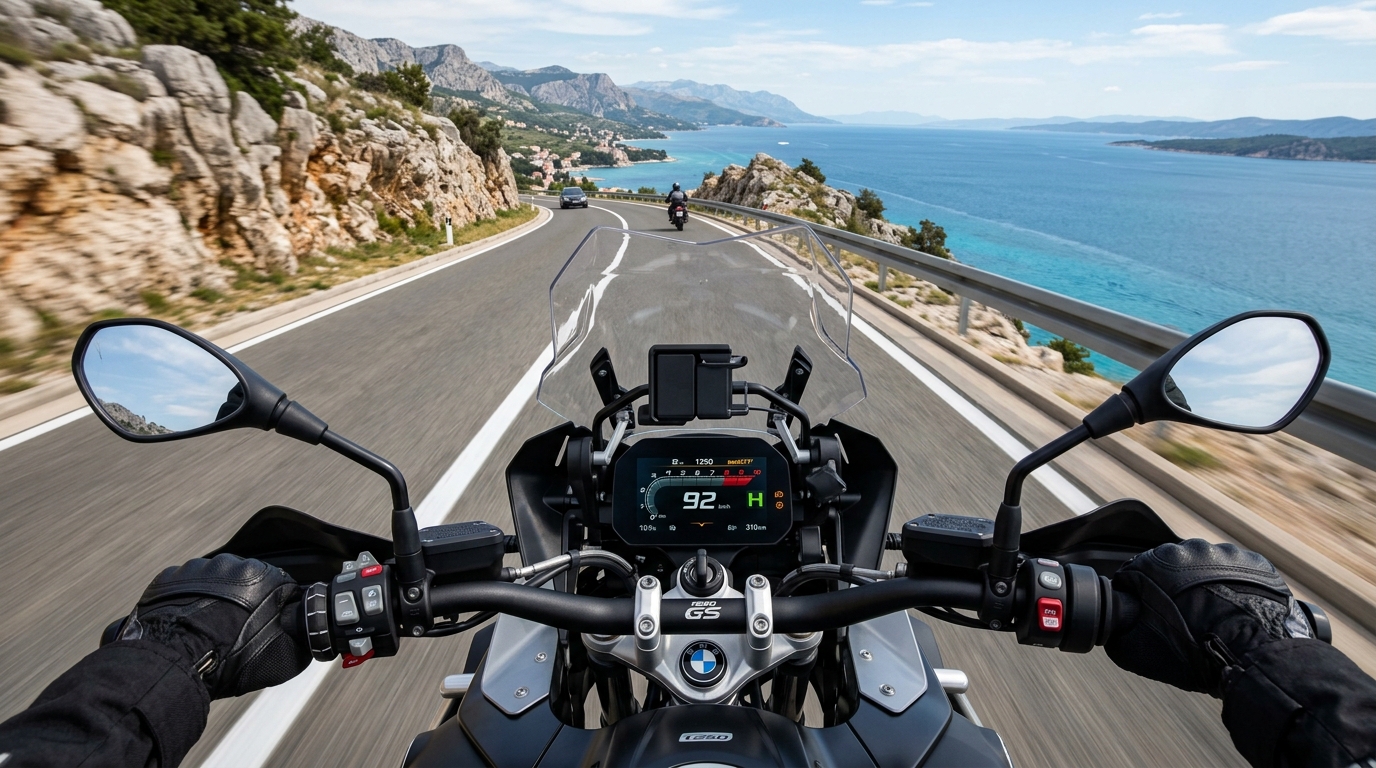
RideTrigger is an app to control your Insta360 and GoPro cameras on your CarPlay and AndroidAuto dashboard.
Start recording scenic winding roads or capture an instant photo with a single touch on your dashboard screen. Clear visual feedback indicates recording status.
Easily toggle between 360° Sphere and Single Lens modes on supported Insta360 cameras, or switch between Video, Photo, and Time-Lapse presets on GoPro.
Always know your equipment state before hitting the throttle. Monitor battery percentage, memory card free space in GB, and current capture profile in real time.
Select your system and camera above, then tap the touchscreen buttons to test mode switching and recording in real time.

All supported GoPro and Insta360 cameras listed in one unified table, with platform-specific compatibility details.
| Brand | Camera Model | Apple CarPlay | Android Auto |
|---|---|---|---|
| GoPro | GoPro HERO 13 | Supported | Supported |
| GoPro | GoPro HERO 12 | Supported | Supported |
| GoPro | GoPro HERO 11 | Supported | Supported |
| GoPro | GoPro HERO 11 Mini | Supported | Supported |
| GoPro | GoPro HERO 10 | Supported | Supported |
| GoPro | GoPro HERO 9 | Supported | Supported |
| GoPro | GoPro Mission 1 | Supported | Supported |
| GoPro | GoPro Mission 1 Pro | Supported | Supported |
| GoPro | GoPro Lit Hero | Supported | Supported |
| GoPro | GoPro Max 2 | Supported | Supported |
| Insta360 | Insta360 X6 | Supported | Supported |
| Insta360 | Insta360 X5 | Supported | Supported |
| Insta360 | Insta360 X4 Air | Supported | Supported |
| Insta360 | Insta360 X4 | Supported | Supported |
| Insta360 | Insta360 X3 | Supported | Supported |
| Insta360 | Insta360 ONE X2 | Supported | Supported |
| Insta360 | Insta360 ONE X | Supported | Supported |
| Insta360 | Insta360 ONE RS | Supported | Supported |
| Insta360 | Insta360 ONE RS 1-Inch | Supported | Supported |
| Insta360 | Insta360 Ace Pro | Not Supported | Supported |
| Insta360 | Insta360 Ace Pro 2 | Not Supported | Supported |
| Insta360 | Insta360 GO 3S | Not Supported | Supported |
| Insta360 | Insta360 GO Ultra | Not Supported | Supported |
Spend less time fiddling with gadgets and more time enjoying the ride.
Turn on Bluetooth and pair your GoPro and/or Insta360 cameras inside the RideTrigger phone app just once.
Plug in your phone or connect wirelessly to your motorcycle or car display via Apple CarPlay or Android Auto.
Launch RideTrigger from your dashboard. Tap to record, swap modes on the fly, and keep your focus on the road.
Everything you need to know about RideTrigger, connectivity, and hardware support.
Yes! RideTrigger is specifically built to unify your camera gear. You can connect both your front-mounted GoPro and rear/handlebar 360° camera, view both in the dashboard list, and control them without swapping apps.
The official Insta360 SDK for Android provides native driver support for Ace Pro, Ace Pro 2, GO 3S, and GO Ultra cameras. The official iOS SDK is currently restricted to X-Series and ONE-Series cameras. As soon as updated SDK libraries become available, we will expand CarPlay support.
No. RideTrigger operates over Bluetooth Low Energy (BLE) protocols. This keeps camera power consumption minimal so your batteries last the entire day on the road.
Absolutely. Every button, mode switcher, and status indicator has been oversized and optimized specifically for glove touch interactions on motorcycle CarPlay screens and car dashboards.
RideTrigger is coming soon to both Apple CarPlay and Android Auto. Stay tuned for the official launch on the App Store and Google Play.

RideTrigger is currently in final testing for App Store & Google Play. Stay tuned!